
Appearance
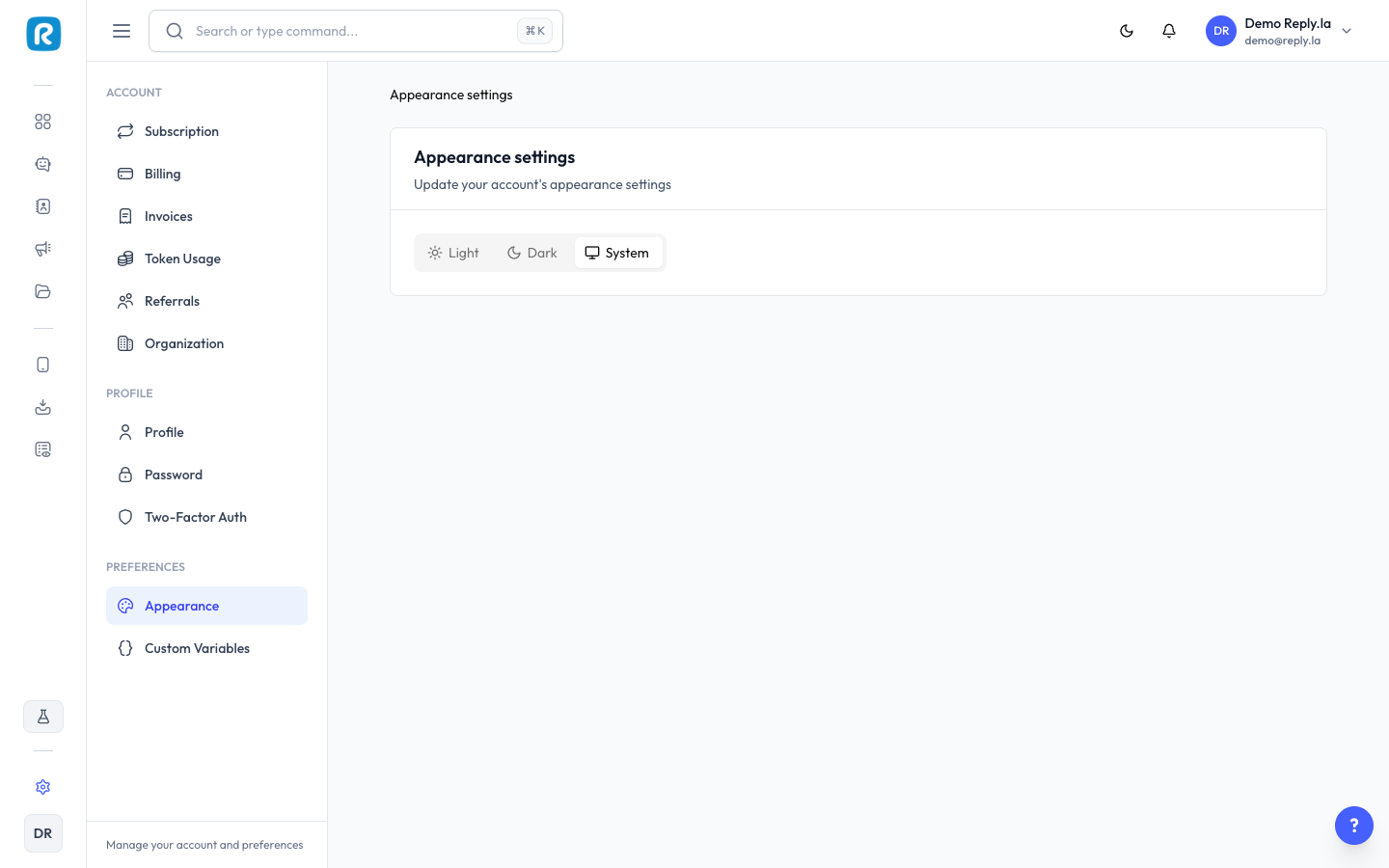
How To Change Appearance
- Click Settings > Appearance.
- Choose your theme:
- Light -- White background, dark text. Default option.
- Dark -- Dark background, light text. Easier on the eyes at night.
- System -- Automatically follows your computer's theme setting.
Updated on: 21/04/2026
Thank you!