
Billing
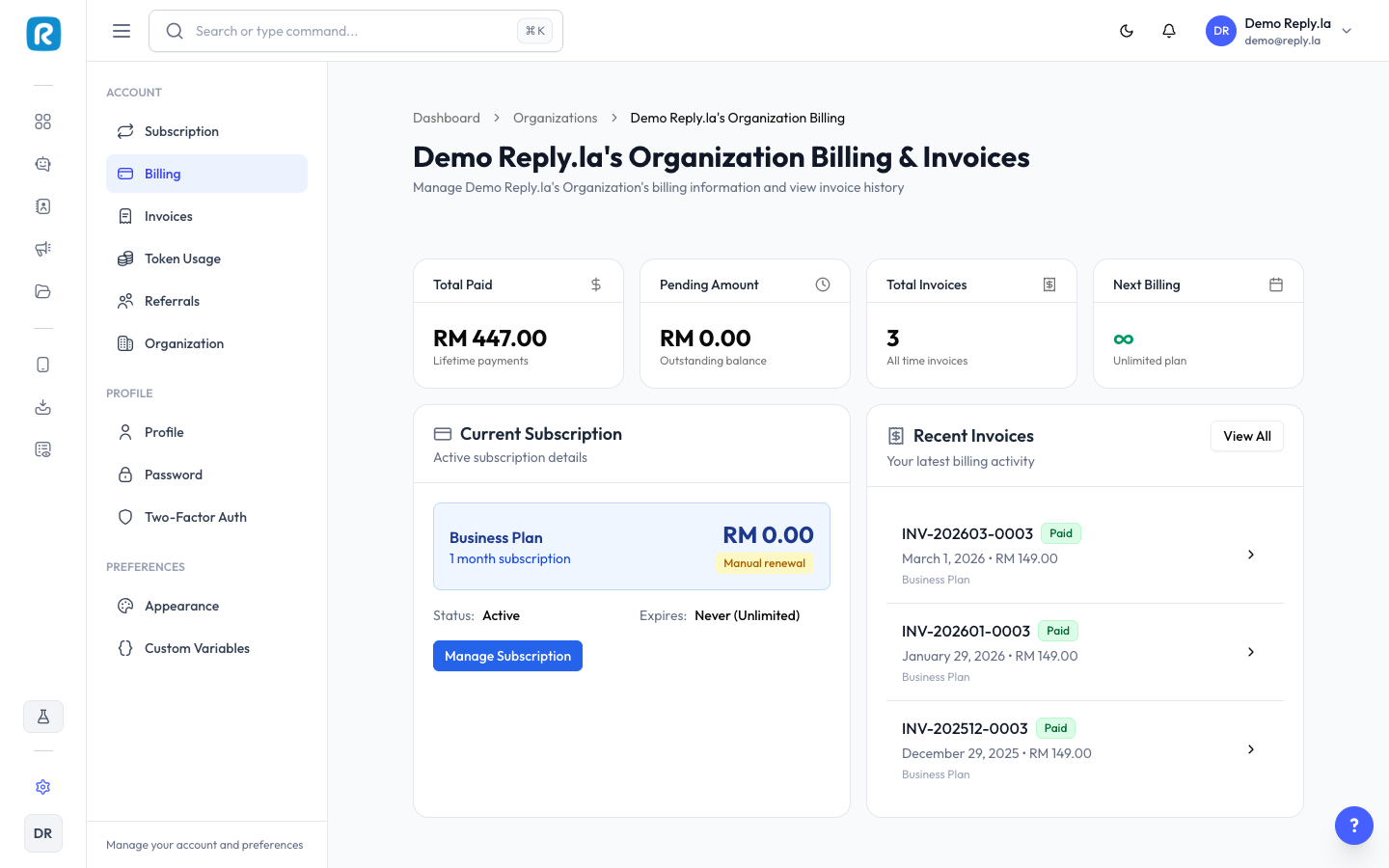
How To View Billing
- Click Settings > Billing.
What You'll See
Invoices
A list of all past invoices: invoice number, date, amount (MYR), status (Paid/Pending/Failed), and download link (PDF).
Payment Methods
Saved payment methods. You can add, remove, or set a default payment method.
Common Questions
What payment methods are accepted?
Credit/debit cards and online banking (FPX). Check the payment page for the full list.
Can I get a receipt for tax purposes?
Yes, download your invoices from the Billing page. Each invoice includes all details needed for accounting.
My payment failed. What do I do?
Check that your card has sufficient funds and isn't expired. Update your payment method and retry.
Updated on: 21/04/2026
Thank you!