
Organization
What Is Organization?
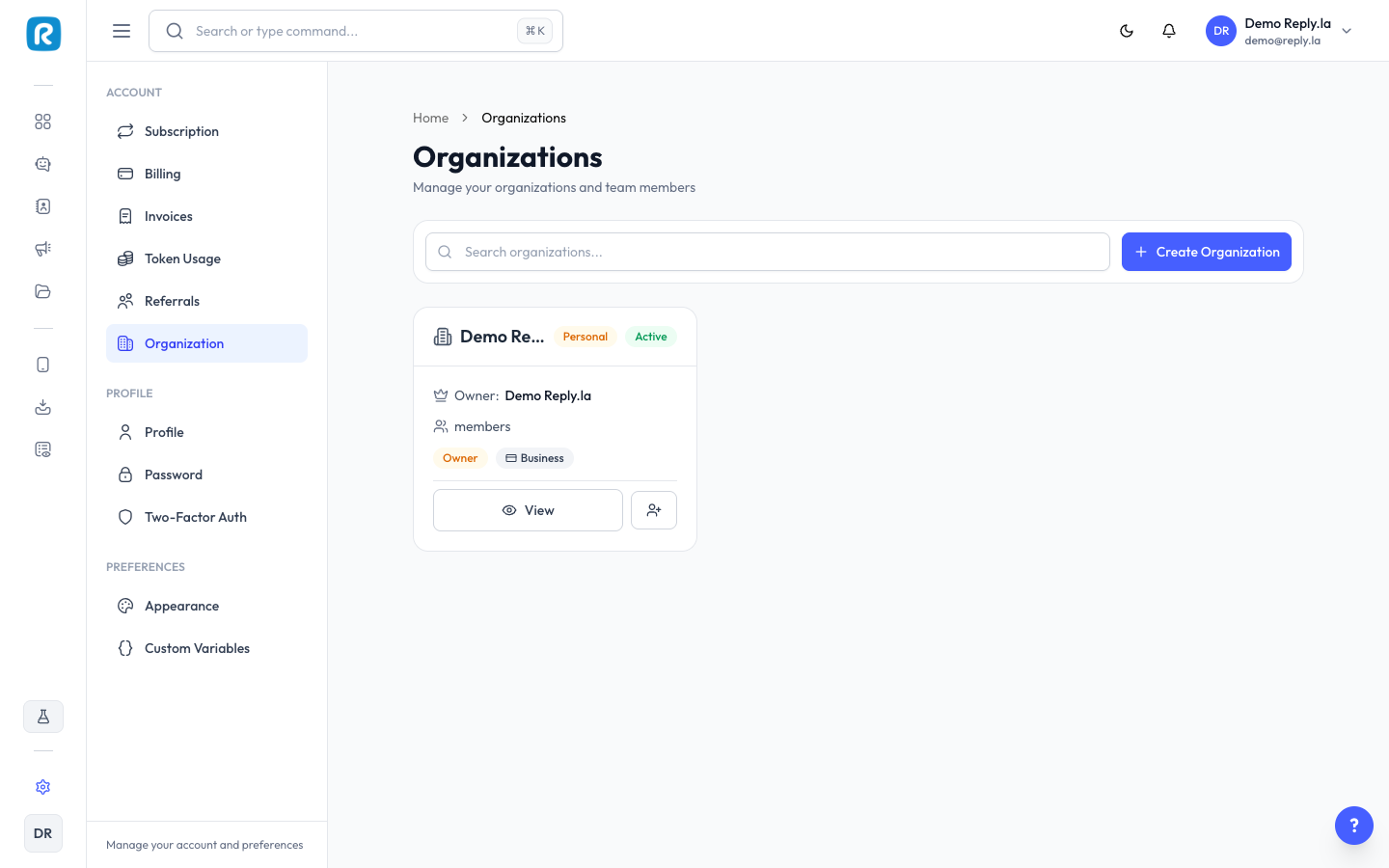
Organization lets you add team members to your ReplyLa account. Each member gets their own account with specific permissions.
Managing Your Organization
Viewing Members
Click Settings > Organization to see all members with name, email, role, and status.
Inviting a Team Member
- Click Invite Member.
- Enter their email address.
- Select their role:
- Admin -- Full access to everything (except billing).
- Member -- Limited access based on permissions you set.
- Click Send Invitation.
Roles
- Owner -- Full access including billing. Cannot be changed.
- Admin -- Can manage chatbots, devices, contacts, inbox, and most settings.
- Member -- Custom permissions you decide.
Removing a Member
Click on the member, then Deactivate or Remove. Access is revoked immediately.
Common Questions
How many team members can I add?
It depends on your subscription plan.
Can a member see billing information?
Only the Owner can access billing and subscription management.
Updated on: 21/04/2026
Thank you!