
AI Feedback
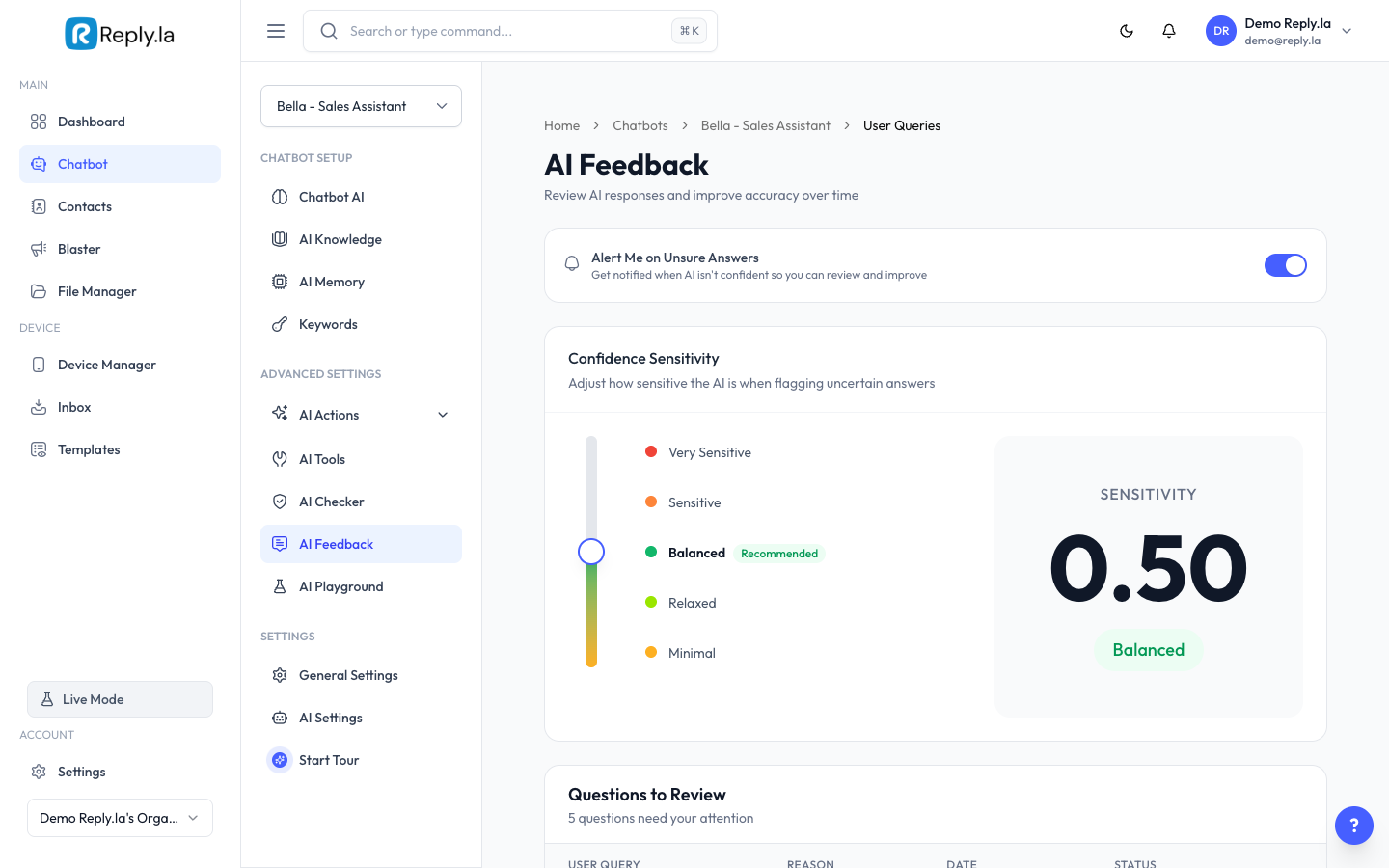
What Is AI Feedback?
AI Feedback is like a report card for your chatbot. It shows you questions where the AI wasn't confident, couldn't find the information, or might have given an incorrect response.
How To Use AI Feedback
- Go to Chatbot > click your chatbot > AI Feedback.
- You'll see a list of flagged queries showing:
- Customer's Question -- What the customer asked.
- AI's Response -- How your chatbot replied.
- Flag Reason -- Why it was flagged.
- Status -- Pending, Reviewed, Resolved, or Dismissed.
- Review each flagged query:
- If the AI's answer was correct, Dismiss it.
- If wrong, note the missing info and add it to Training Data or AI Knowledge.
How To Improve Your AI Using Feedback
- Look at the most common flagged questions.
- Group them by topic (e.g., pricing, delivery).
- Add the missing information to Training Data or AI Knowledge.
- Future similar questions will be answered correctly.
Common Questions
Why is nothing showing up in AI Feedback?
Either your chatbot hasn't received many messages yet, or the AI is confident in all its answers. Enable "Flag Uncertain Queries" for more visibility.
Do I have to review every flagged query?
No, focus on the most common or important ones. You can dismiss the rest.
What's the difference between Reviewed, Resolved, and Dismissed?
"Reviewed" means you've looked at the query. "Resolved" means you've taken action (added missing info or fixed the problem). "Dismissed" means the flag was not needed.
Updated on: 21/04/2026
Thank you!