
AI Playground
What Is AI Playground?
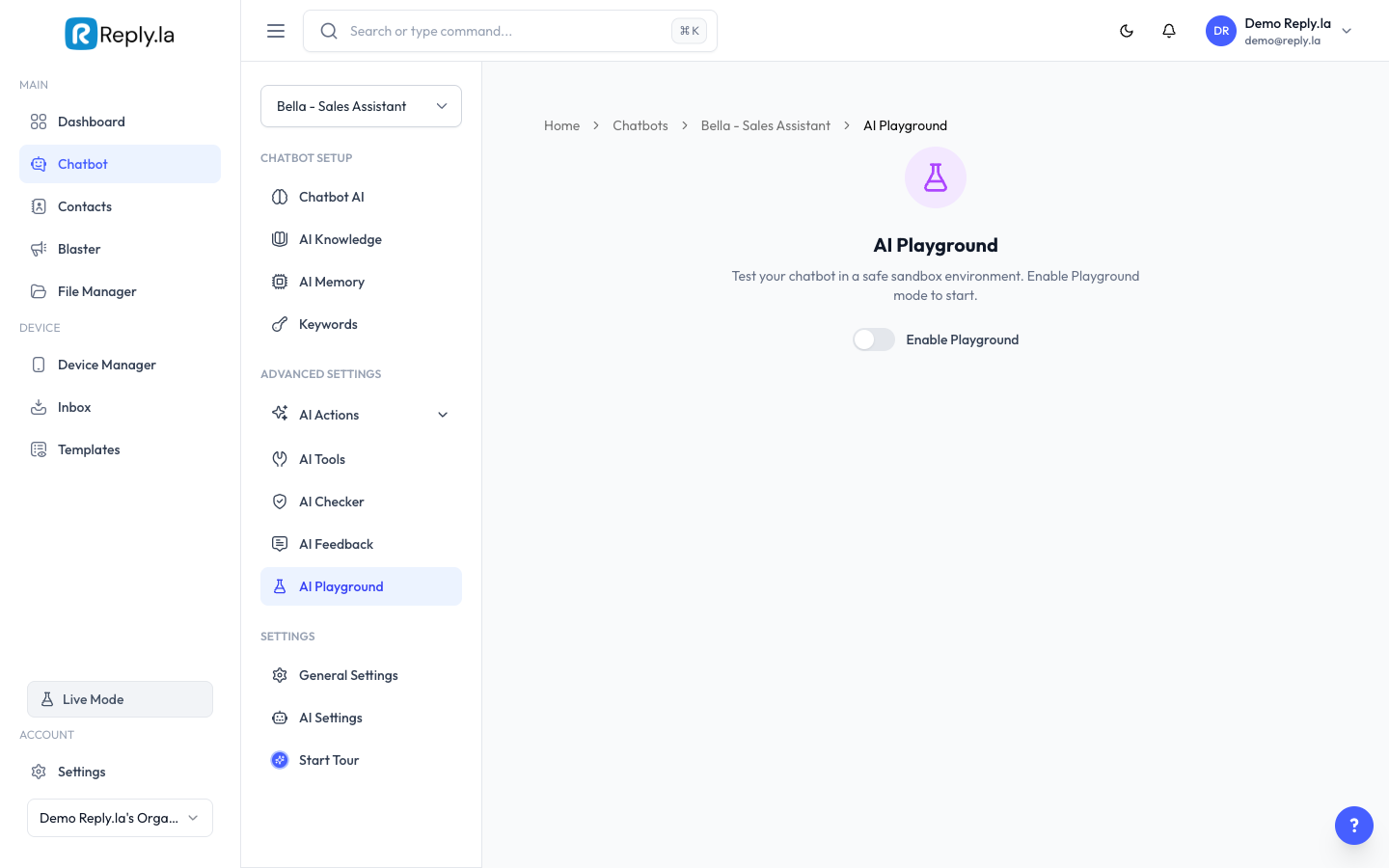
AI Playground is a testing area where you can have a conversation with your own chatbot. It works exactly like a real customer conversation, but no messages are actually sent to WhatsApp.
How To Use AI Playground
- Go to Chatbot > click your chatbot > AI Playground.
- Type a message in the chat box, just like you're a customer.
- Press Enter or click Send.
- Wait for your chatbot to respond.
- Continue the conversation to test different scenarios.
What To Test
Test | What To Type | What To Check |
|---|---|---|
Basic info | "What are your opening hours?" | Does it answer from your Training Data? |
Product questions | "How much is [your product]?" | Does it give the correct price? |
Missing info | Ask about something NOT in your data | Does it handle it gracefully? |
Language | Write in Bahasa Malaysia | Does it reply in the right language? |
Tone | Send an angry message | Is the AI polite and helpful? |
Memory | Mention your name, then ask later | Does Memory work? |
Debug Info
AI Playground can show debug info for each message. This helps you understand what's happening behind the scenes:
- Actions taken -- Which AI Actions were triggered (label, takeover, etc.)
- Tools used -- Which AI Tools were called
- Processing time -- How long it took to generate the reply
Sharing Playground
You can share a playground link with others for testing:
- Click the Share button in AI Playground.
- Copy the invite link.
- Send it to a team member or friend.
- They can test through their browser without needing a ReplyLa account.
Common Questions
Does Playground use tokens/credits?
Yes, Playground conversations use tokens just like real conversations. But it's worth spending tokens on testing!
Are Playground conversations saved?
Playground conversations are separate from real customer conversations. They don't appear in your Inbox.
Can I test AI Tools in Playground?
Yes! AI Tools (Google Sheets, calculators, etc.) work the same in Playground as in live mode.
Updated on: 21/04/2026
Thank you!