
AI Memory
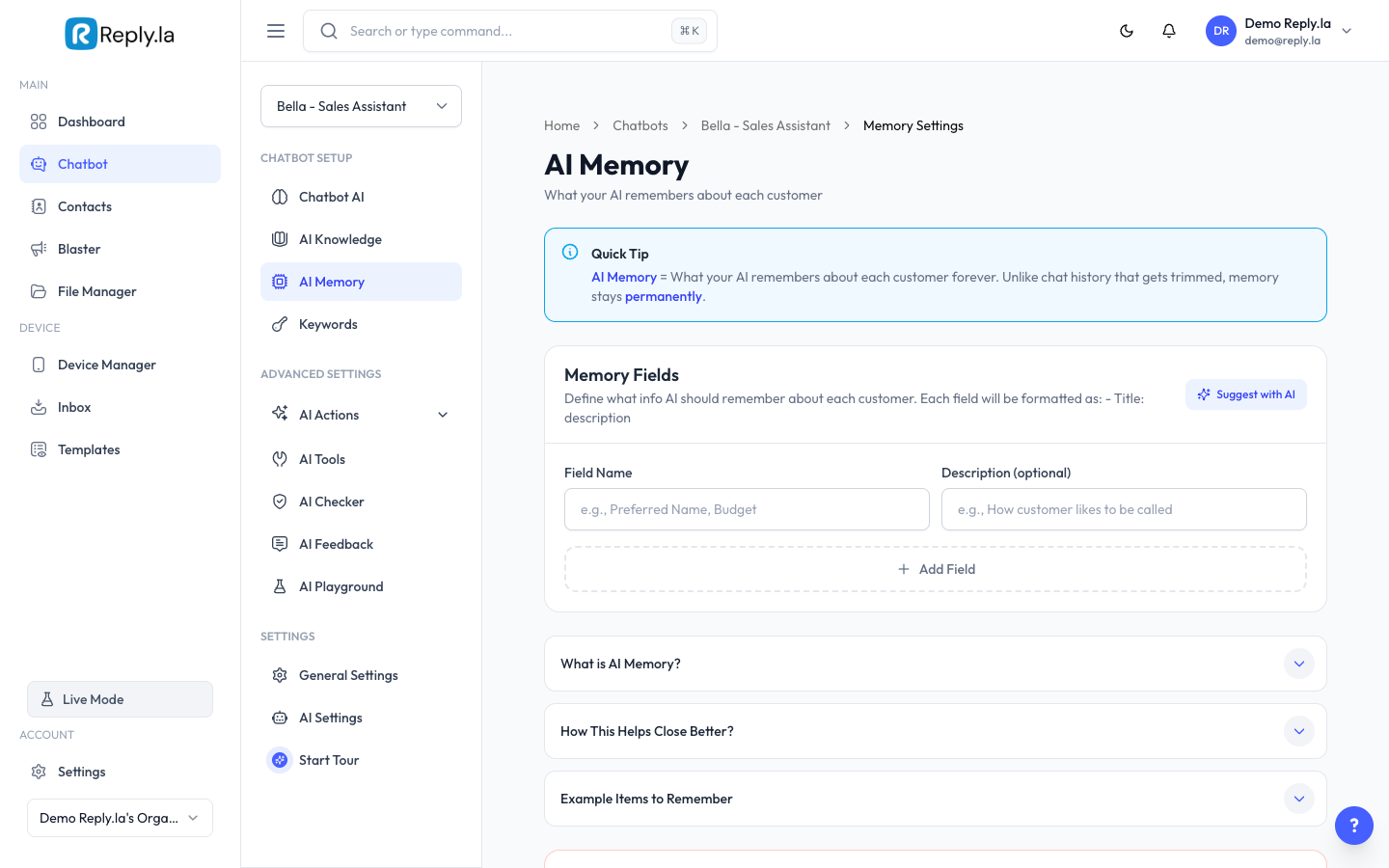
What Is AI Memory?
AI Memory is like giving your chatbot a notebook. After each conversation, the AI jots down important things about the customer -- their name, what they ordered, their preferences. Next time that customer messages, the AI remembers and can give a more personal response.
Example:
- Customer says "I ordered the black tudung last week"
- With AI Memory: "Yes! I see you ordered the Tudung Bawal Premium in Black. How can I help?"
- Without AI Memory: "I'm sorry, I don't have information about previous orders."
How To Set Up Memory
- Go to Chatbot > click your chatbot > AI Memory.
- You'll see a list of memory fields.
- Add memory fields by clicking Add Item:
- Title -- The category of info to remember (e.g., "Customer Name", "Past Orders", "Preferences").
- Description -- A hint for the AI on what to look for.
- Click Save when you're done.
Good Memory Fields
For an online shop:
- Customer Name, Past Orders, Size Preferences, Address, Payment Method
For a restaurant:
- Customer Name, Favorite Orders, Allergies/Dietary, Delivery Area
For a service business:
- Customer Name, Service History, Appointments, Special Requests
Common Questions
Does AI Memory cost extra tokens?
It uses a small amount of extra tokens to save and read memories, but it makes conversations much better.
Does memory work across different conversations?
Yes! That's the whole point. The AI remembers info from previous conversations with the same customer.
What if the AI remembers something wrong?
You can clear memory data and the AI will start fresh.
Updated on: 21/04/2026
Thank you!