
Human Takeover
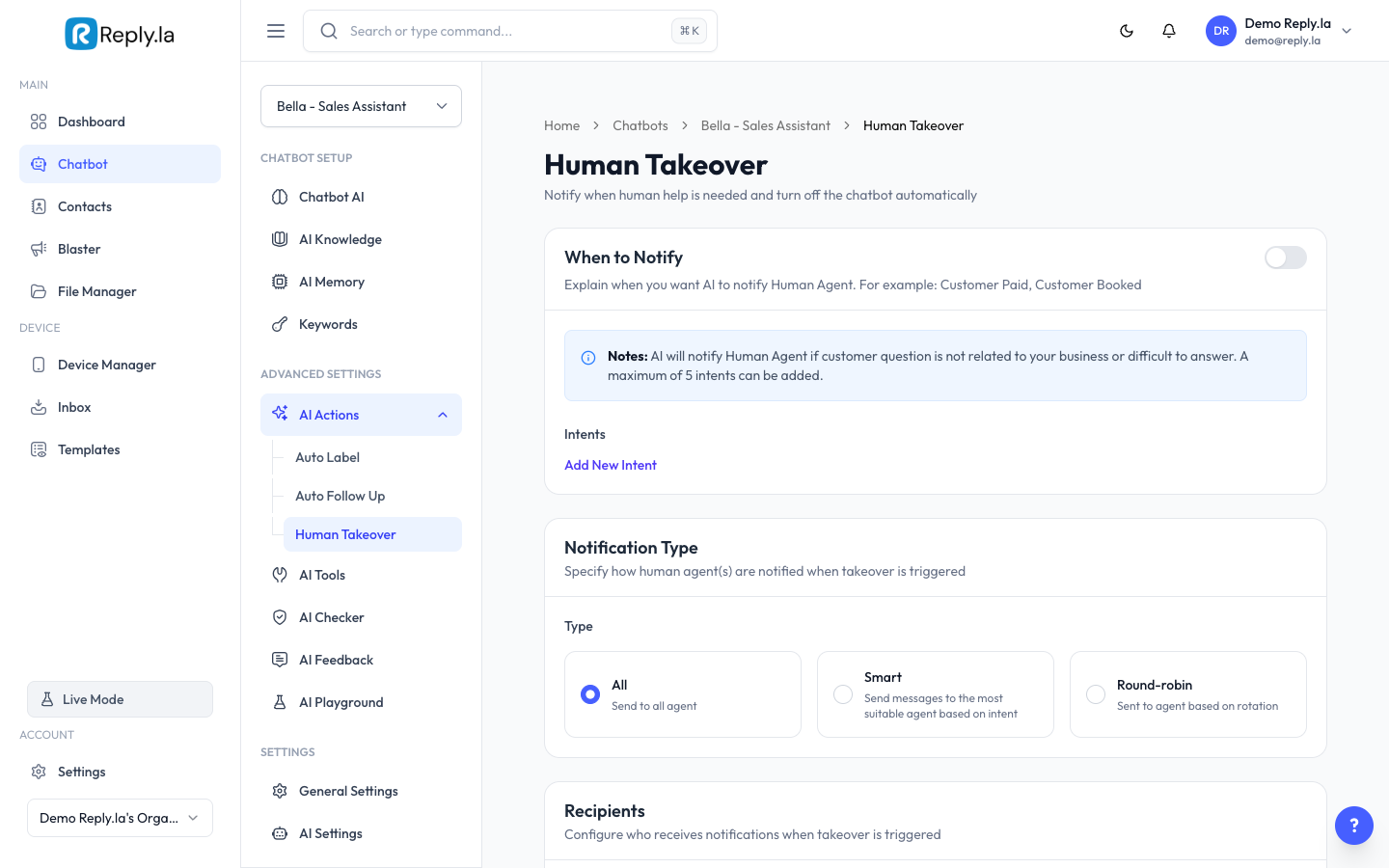
What Is Human Takeover?
Sometimes AI isn't enough. Human Takeover detects when a customer needs human attention and automatically:
- Pauses the AI chatbot for that conversation.
- Sends a message to the customer (e.g., "Let me connect you with our team").
- Notifies you or your team.
How To Set Up Human Takeover
- Go to Chatbot > click your chatbot > AI Actions > Human Takeover.
- Toggle Enable Human Takeover to ON.
- Configure the settings:
- Takeover Mode:
- Pause AI -- AI stops replying and you take over in the Inbox.
- Notify Only -- AI keeps replying but you get a notification.
- Intents -- Define trigger situations with a Name and Description.
- Recipients -- Who gets notified (phone number or email).
- Takeover Message -- The message sent to the customer.
- Click Save.
Good Takeover Intents
Intent Name | Description |
|---|---|
refund-request | Customer wants a refund, exchange, or their money back |
angry-customer | Customer is frustrated or expressing dissatisfaction |
complex-issue | Customer has a technical problem the AI can't solve |
speak-to-human | Customer explicitly asks to talk to a real person |
payment-issue | Customer has trouble with payment or billing |
Common Questions
What happens after takeover is triggered?
The AI pauses for that specific conversation. You chat with the customer from the Inbox. The AI resumes for other conversations.
Can I resume the AI after I'm done chatting?
Yes, the AI resumes automatically after a period of inactivity, or you can manually re-enable it.
Can I add multiple recipients for notifications?
Yes, you can add multiple phone numbers or email addresses.
Does the customer know they're chatting with AI?
That depends on your setup. The takeover message clearly indicates that a human will join, but regular AI replies don't mention that they're from AI unless you specifically instruct the AI to do so in your AI Behaviour settings.
Updated on: 21/04/2026
Thank you!